More time together. Less to organize.
Bring the whole
family together.
Plan your reunion, organize registrations, and give relatives one place for schedules, directions, photos, and family updates.
Look around a sample reunion firstReturning to your reunion
Already part of a reunion?
Use the code shared by your reunion committee. No family account is needed. To register or check a personal balance, use your committee’s registration or private status link.
Planning services
From the first idea
to the last goodbye.
See what you can do at each step. Open any card for a closer look.
01 / Plan
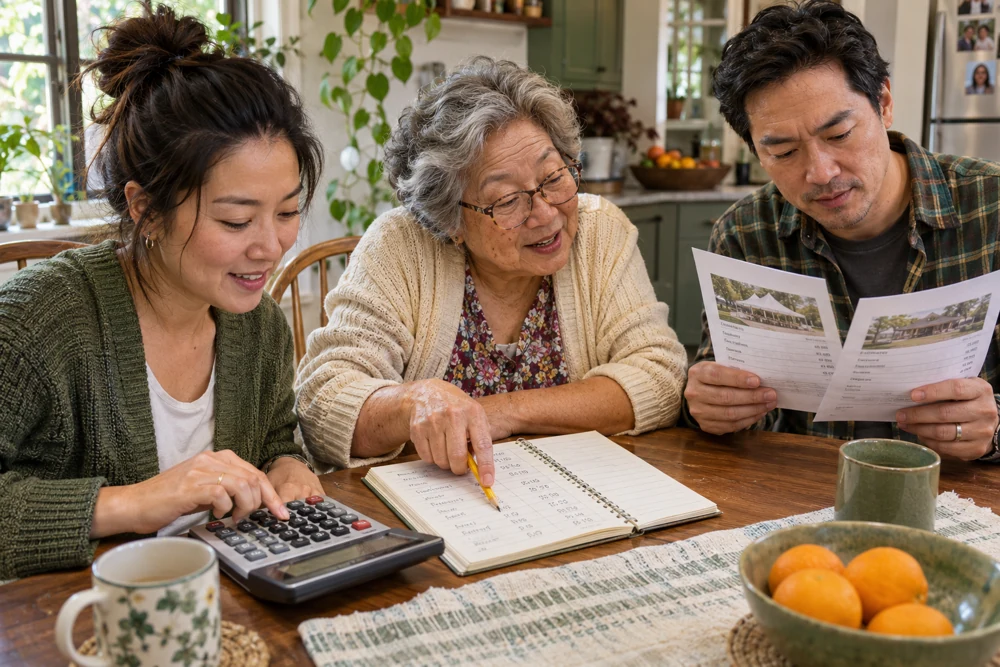
Start with a clear budget.
Estimate attendance, compare costs, and review your reunion’s Money Summary.
See planning tools
01 / Plan
Start with a clear budget.
Estimate attendance, compare costs, and review your reunion’s Money Summary.
See planning tools
Review the Money Summary even if you haven’t used the Cost Planner. The Full Planner adds detailed budgeting and ticket planning by age group.
Explore a sample budget →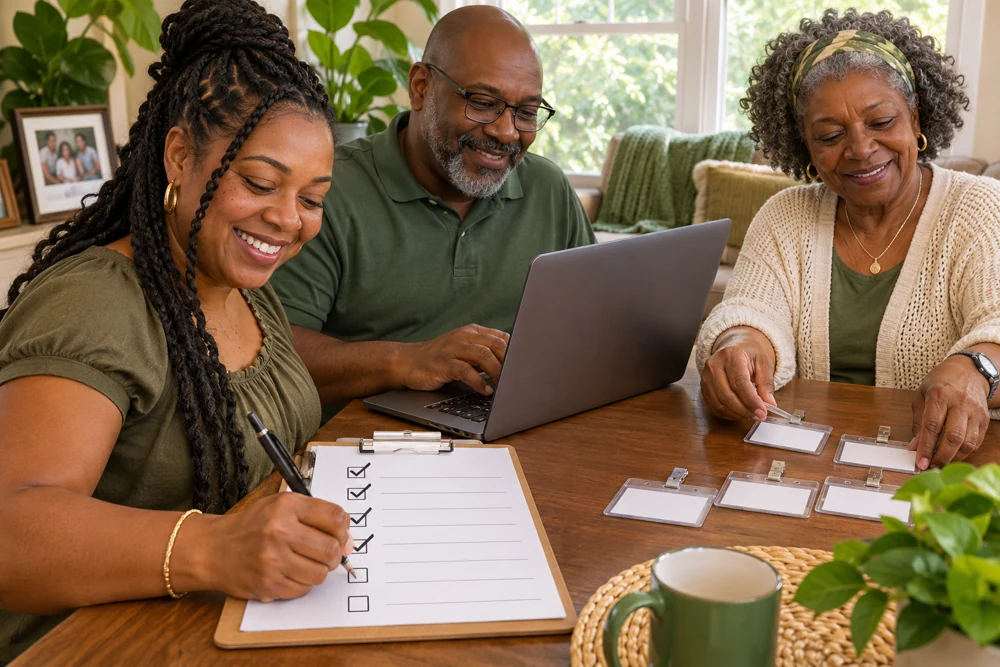
02 / Organize
Bring the details together.
Track registration and payments, plan activities, and make event changes clear.
See organizing tools
02 / Organize
Bring the details together.
Track registration and payments, plan activities, and make event changes clear.
See organizing tools
Plan reminders for updates, events, and follow-ups. Review and enable them before they go out.
Explore sample registration →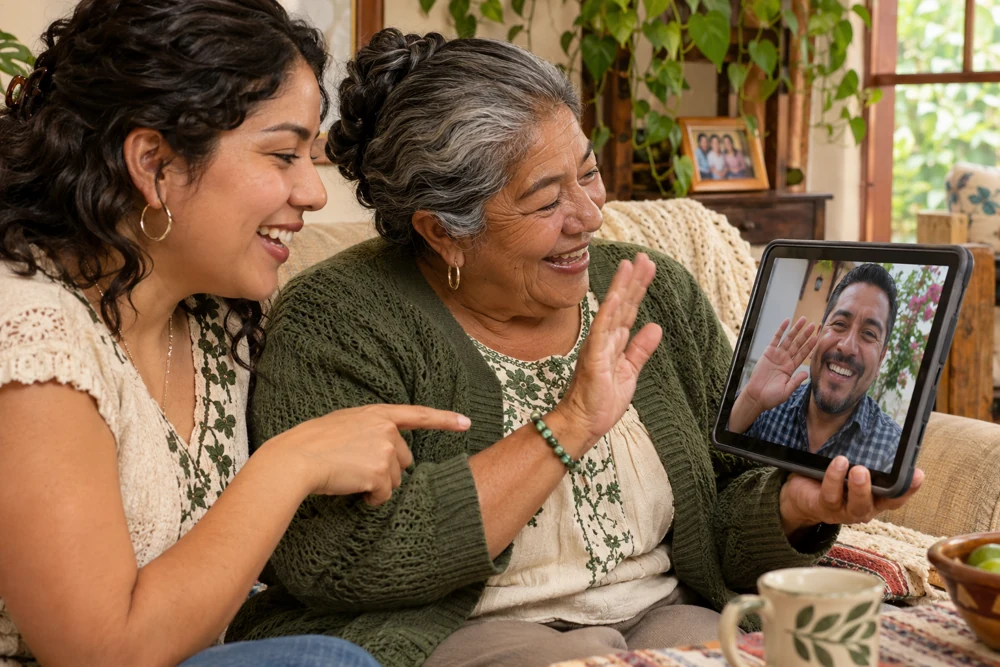
03 / Connect
Keep family in the loop.
Share reunion photos, useful family information, and the groups that keep everyone connected.
See ways to connect
03 / Connect
Keep family in the loop.
Share reunion photos, useful family information, and the groups that keep everyone connected.
See ways to connect
Link your family’s Facebook or WhatsApp group and offer a direct way to reach an organizer. Keep email updates personal with drafts you review before sending.
Explore the family tools →FOR EVERY RELATIVE
A family page worth keeping handy.
From finding the right parking entrance to gathering everyone’s photos afterward, put the useful details within reach.
- Know the latest plan. See what changed, what’s canceled, and what’s coming next.
- Find your way. Open parking, lodging and FAQs, with Apple Maps, Google Maps or Waze directions.
- Bring everyone’s photos together. Relatives verify their email to share photos in albums created by the committee.
- Reach your people. Find family Facebook and WhatsApp groups, or contact an organizer.
Fictional examples. No sign-in or access code needed to explore.
A few things families ask.
Do relatives need their own account?
Relatives use the access code shared by their committee for the family pages. Household registration and balances use separate private links. Committee members sign in to manage the reunion, and anyone sharing photos must verify their email.
Can the whole family contribute photos?
Committee members create the albums and choose whether family uploads are open. Contributors always verify their email. Each album can require committee approval before someone uploads; reviewing photos before they appear is a separate option.
How will relatives see event changes?
The family pages show dated updates, cancellation reasons, and restored events. Saving a change does not send an announcement email. Relatives should check the current schedule because saved calendar files and printouts do not update automatically.
Start privately, at your pace
Start planning your family’s reunion.
Name your reunion and verify your email to create a private workspace. Your setup is reviewed before you publish your welcome page or open registration.